


Reporting Built for Field Service
Powerful Reporting Tools Built for Growth
Optsy’s business intelligence tools give field service owners and managers the reporting they need to see what is actually happening in the business. From scheduling and dispatching to inventory, invoicing, and payments, Optsy pulls data from every department into one place and turns it into numbers you can act on. Live dashboards track performance, measure the metrics that matter to you, and keep you compliant.
Complex analysis becomes straightforward. Instead of juggling spreadsheets to guess what is working, you get a clear picture at a glance. Past jobs, technician activity, job histories, and client records are tracked and run through the same analytics, so you can spot trends, find opportunities, and make decisions on evidence. Reports update as data comes in, which gives you what you need to budget, improve quality, and grow revenue without extra manual work.
What's Included in Optsy's Field Service Reporting Software
These are the reports and tools owners and managers use most. Everything runs on live data from the work your team is already doing, so nothing needs compiling first.
Performance Tracking
Monitor the field service KPIs that matter across every department. Track employee performance, job completion rates, and customer satisfaction to see where the business excels and where it needs work. Combining that with job costing gives you a complete picture of both productivity and profitability.
Flexibility & Drill-Down
Every business runs differently, so your reports should too. Customize dashboards to focus on the data points that matter most, then drill into a specific job, technician, or customer to find out exactly what is working. Company-level numbers tell you something is off, and drill-down tells you where.
Custom Reporting
Out-of-the-box templates don’t always fit. Optsy builds custom reports tailored to your workflows, from financial analysis to operational tracking, so you get the exact view you asked for rather than the closest available option.
Job Costing & Profitability
Labor, parts, and time roll up per job, so you can see which work makes money and which quietly loses it. That answers the question most field service owners cannot get out of a spreadsheet: not what we billed, but what we kept.
Technician & Labor Reports
Track technician hours, utilization, job completion times, and labor costs across projects. Reports highlight top performers, show where extra training would help, and keep payroll accurate.
Financial Reporting
Revenue reports show invoices, payments, and outstanding balances as they stand today. Those numbers connect to QuickBooks, so your financial reporting stays consistent and nobody enters anything twice.
Easy Export
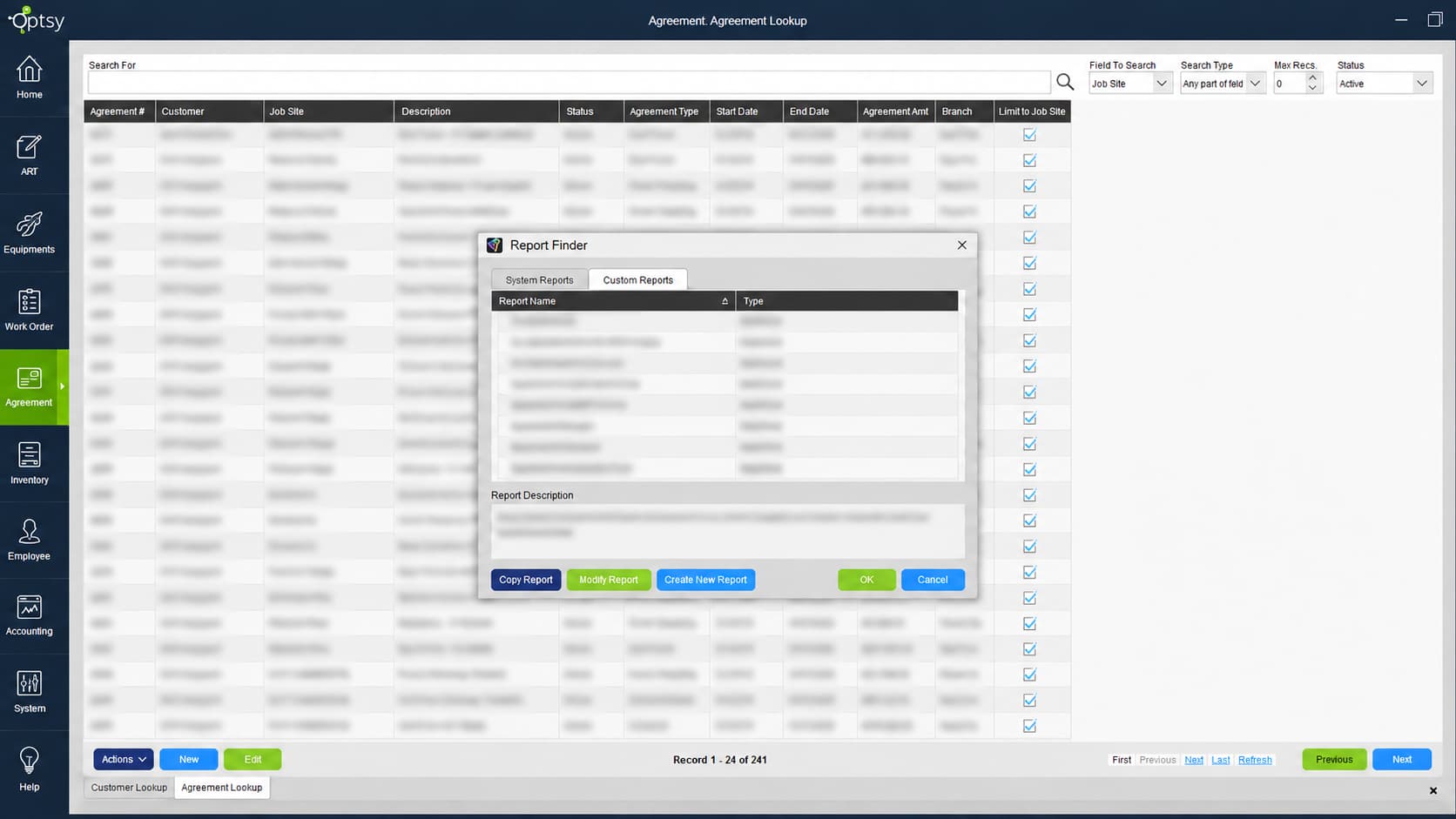
Export in seconds, whether you need a summary for your accountant, a detailed file for financial planning, or a view for management. Send data to Excel, Google Sheets, PDF, or straight from the database for deeper analysis.
Compliance Reporting
Keep the documentation an audit or inspection asks for, generated from the job records your team already completed rather than assembled after the request arrives.
How Reporting Works With the Rest of Optsy
Reporting is not a separate system you feed. Every part of Optsy writes to it as work happens, which is why the numbers are current without anyone building them.
Scheduling & Dispatching
Reporting gives you visibility across your scheduling and dispatching operations. See which jobs are most profitable, which routes run efficiently, and where bottlenecks slow your technicians down, so you can balance workloads and cut travel costs.
Mobile Field Service App
Job times, parts used, photos, and signatures captured in the mobile app are what the reports get built from. Because technicians log work on site rather than from memory at the end of the day, the numbers reflect what actually happened.
Work Order Management
Closed work orders feed completion times, repeat visit rates, and cost per job. A job that needed three visits shows up as a pattern rather than a bad memory.
Equipment Tracking
Maintenance costs, failure patterns, and utilization per asset come from equipment tracking. Replace-or-repair decisions stop being instinct and start being arithmetic.
Service Agreements
Recurring contracts are reliable revenue only if they are profitable. Reporting shows which service agreements perform, which are due for renewal, and where margins can improve, with forecasting that gives you a view of future revenue.
Invoicing & Payments
Cash flow drives the business. See invoices, payments, and outstanding balances clearly, and watch how quickly money actually arrives rather than when it was billed.
CRM & Customer Records
Job history, spend, and service frequency per account come from your field service CRM, so you can see which customers are worth pursuing and which are costing more than they return.” Only CRM link on the page.
API Capability
For reporting data that needs to reach beyond Optsy, API capability connects your figures with the accounting, ERP, or analytics tools your business already uses.
Task Management
Your team is your biggest cost and your biggest asset. Track technician hours, job completion times, and labor costs through employee and technician management, and assign follow-up work through task management based on what the reports surface.
Inventory Management
Every part used, purchase made, and warehouse adjustment flows into reporting. Track part usage by technician, location, or job type to tighten stock control and cut waste across your inventory management.
QuickBooks Integration
With Optsy and QuickBooks working together, every invoice, expense, and adjustment is reflected in both places without duplicate entry. Your operational reports and your books agree.
Customization
Custom reports are part of how customizable FSM software works. Tell us the numbers you run on and the report gets built around them.
How Field Service Reporting Helps Your Industry
Success looks different in every trade. Seasonal swings, compliance requirements, crew productivity, and contract renewals all put different demands on a report. Here is what reporting looks like across the trades Optsy serves.
HVAC Software
Revenue in heating and cooling arrives in waves, and the real question is whether the busy season was profitable or just busy. Reporting inside Optsy’s HVAC software tracks technician performance, refrigerant usage, and margin month by month, so you can see what tune-up season actually returned.
Plumbing Software
Margin hides in the small jobs. Optsy’s plumbing software reports material usage, job times, and profit per call, and separates emergency work from scheduled work so you can see which one is subsidizing the other.
Electrical Contractor Software
Multi-phase projects lose money quietly. Job performance, labor, and material costs run against the original estimate in Optsy’s electrical contractor software, which surfaces an overrun while the job is still running instead of at closeout.
Refrigeration Software
Compliance and preventive maintenance drive the numbers in this trade. Completion rates, cost control, and inspection documentation come out of Optsy’s refrigeration software as reports rather than as a scramble when an auditor asks.
Roofing Software
Material cost and weather decide whether a roof clears its estimate. Optsy’s roofing software compares estimated against actual on both, and the pattern in what went over becomes the basis for pricing the next one.
Alarm & Security Software
Recurring monitoring revenue is the business. Reports in Optsy’s alarm and security software track system checks, contract renewals, and which accounts are nearing their term, because a renewal you see ninety days out is one you can still save.
Computer & IT Service Software
Ticket volume, resolution time, and revenue per client site are the measures that matter in IT work. Optsy’s computer and IT service software shows which support contracts are priced correctly and which are absorbing more hours than they return.
Handyman Software
A two-hour job and a week-long job perform very differently, and not always the way owners expect. Optsy’s handyman software compares profitability across job types, so pricing follows the numbers rather than habit.
Pool Service Software
Cost per stop is the whole equation on a route. Chemical usage, route times, and revenue per route come out of Optsy’s pool service software, and the seasonal revenue curve becomes something you plan against instead of react to.
Landscaping Software
Productivity is measured by crew, not by person. Optsy’s landscaping software reports on output, material usage, and profit per crew and per property, and seasonal lines like cleanups and snow removal can be measured on their own.