


Software Shaped Around How You Work
FSM Software Tailored to Your Business
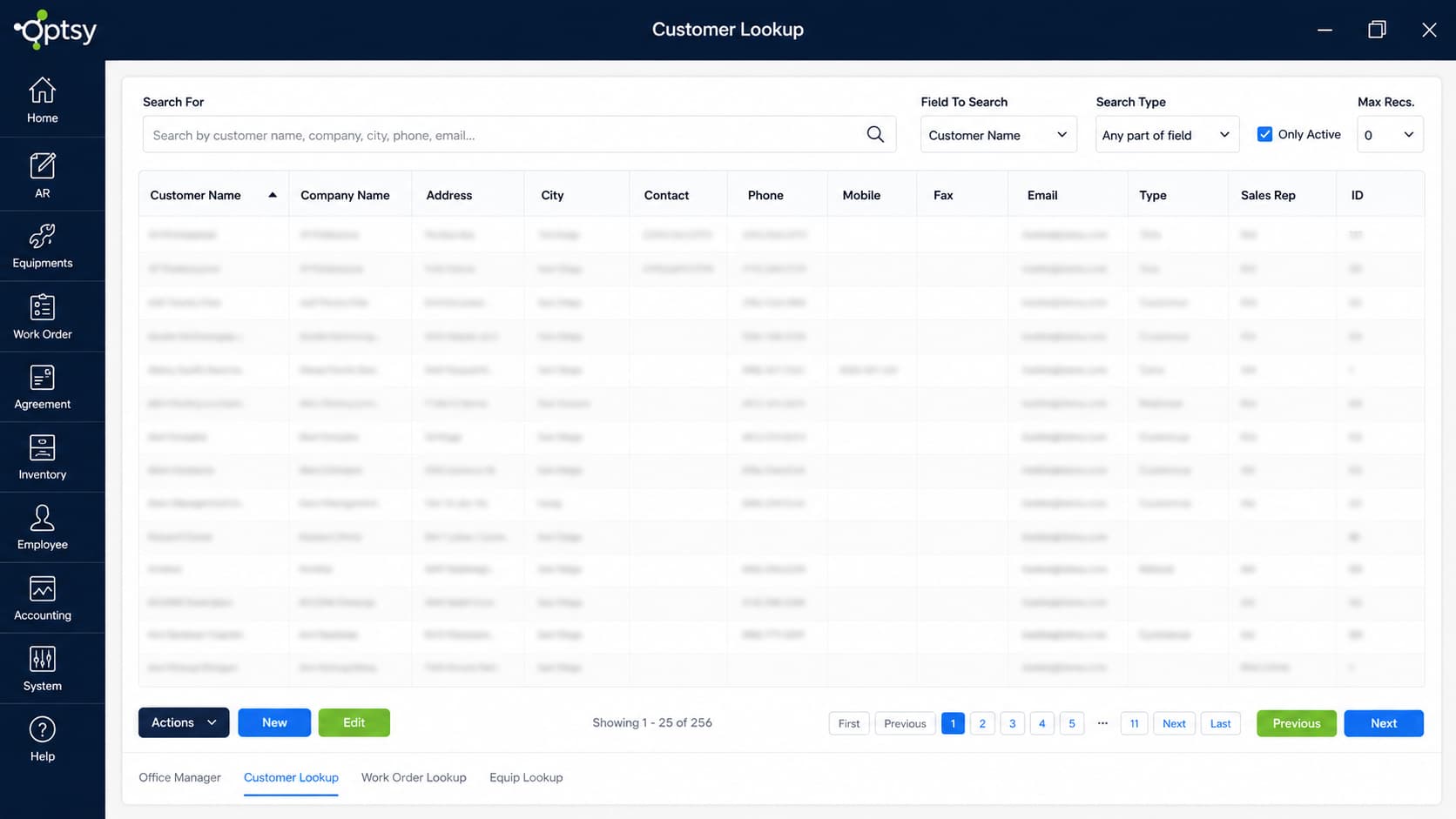
Optsy’s customizable field service management software adapts to the way your business already works. Your schedule boards organize by your crews and zones, your work orders carry your fields and your branding, and your reports track the numbers you actually run the business on. If the software you’ve seen elsewhere felt too complex, too rigid, or just not built for how you operate, customization is the answer: you get exactly what you need, and it looks and functions the way you want.
Making it happen is simple. Tell us what you need during onboarding or at any point after, and our team configures the system around your preferences. You test it, give feedback, and we refine it until it fits. No coding and no headaches, just FSM software tailored to your business, and because customizations are part of how Optsy is built, they carry through scheduling, the mobile app, billing, and reporting automatically.
What's Included in Optsy's Customizable FSM Software
Every part of Optsy that your team touches can be shaped around your business. These are the customizations teams use most, and if you need something you don’t see here, ask. Custom requests are how half of these became standard.
Dynamic Schedule Boards
Build schedule boards around your crews, zones, service areas, or job types. Dispatchers see the day organized the way your operation actually runs, not a generic calendar, and boards can change as your team grows or seasons shift.
Custom Fields
Add fields for anything your business tracks: refrigerant amounts, panel specs, gate codes, permit numbers, warranty terms. Custom fields appear on customer records, work orders, and the mobile app, so the data gets captured wherever your team is working.
Custom Documents
Tailor work orders, quotes, invoices, and forms to carry your layout, your fields, and your branding. What your customers sign looks like it came from your company, not from software.
Custom Reports
Our most requested customization. Tell us the numbers you run your business on and get reports built around exactly those, running on live job, billing, and technician data.
Branding & Interface Adjustments
Rename entities to match your company’s terminology, apply your branding, and adjust layouts so every screen feels like your system.
Feature Controls
Turn features on or off by team or role. Office staff, dispatchers, and technicians each see the tools they need and nothing extra, which keeps training faster and screens cleaner.
How Customization Carries Through Optsy
Customizations in Optsy aren’t surface changes. The boards, fields, and documents you set up flow through the whole platform, so your team sees your setup everywhere they work.
Scheduling & Dispatching
Your custom schedule boards become the daily view for Scheduling & Dispatching. Dispatchers assign work on boards built around your operation, instead of adapting to a generic layout.
Work Order Management
Custom fields and document templates carry through Work Order Management, so every work order captures your information and prints with your formatting. Job records stay complete because the fields your business needs are built in.
Mobile Field Service App
Technicians see your custom fields and forms in the Mobile Field Service App exactly as you designed them. The data your office needs gets captured on site, the first time, without workarounds.
Reporting & Dashboards
Custom reports run on Optsy’s Reporting engine with live job, billing, and technician data. The metrics you asked for update in real time alongside the standard reports.
CRM & Customer Records
Custom fields extend your CRM records, so customer accounts track the details that matter to your business, from access instructions to equipment preferences, and carry them into every job.
API Capability
For customization beyond the interface, API Capability connects your tailored setup with the other software your company uses. Custom fields and data can flow to your accounting platform, ERP, or industry-specific tools.
Inventory & Equipment
Custom fields follow parts and equipment through Inventory Management, so you track the details your trade cares about, from serial numbers to warranty terms. Equipment records carry your fields into every job where that unit shows up.
Service Agreements
Contract terms, visit schedules, and billing cycles get customized inside Service Agreements, so recurring work matches how you actually sell it. Renewal reminders and pricing tiers follow the setup you defined, not a fixed template.
How Customizable FSM Software Helps Your Industry
No two trades run the same way, and neither do two field service companies in the same trade. These are the customizations service businesses ask for most, but the list isn’t fixed. Tell us how your business works and we’ll build the setup around it.
HVAC Software
Seasonal demand shapes everything in heating and cooling, so HVAC software customizations focus on schedule boards built for the rush plus fields for refrigerant tracking, equipment models, and maintenance intervals. When tune-up season hits, dispatchers work from a board made for it instead of a one-size calendar.
Plumbing Software
Work order forms tailored for fixture details, part usage, and water heater specs make Optsy’s plumbing software fit the trade. Every job record captures what was found and what was installed, so the next call to that property starts with real history.
Electrical Contractor Software
Custom fields for panel details, inspection records, and compliance notes turn Optsy into true electrical contractor software. Custom reports track job costs across multi-phase projects, so large installations stay profitable from rough-in to final.
Refrigeration Software
Compliance is the daily reality of the trade, so refrigeration software customizations center on checklists and temperature log fields tied to each unit. Records stay audit-ready without technicians filling out paperwork twice.
Roofing Software
Estimate documents with fields for measurements, material types, and warranty terms shape Optsy’s roofing software around the job. Every property gets a complete record that follows it through repairs, replacements, and warranty claims.
Alarm & Security Software
Custom fields for installed devices, panel information, and monitoring contracts make Optsy’s alarm and security software track what matters in the trade. Renewal dates and inspection schedules stay visible instead of buried in a filing cabinet.
Computer & IT Service Software
Ticket fields and service documents customized per client turn Optsy into working computer and IT service software. Technicians arrive knowing the setup, and billing reflects exactly what was serviced.
Handyman Software
No two jobs look alike in general repair, so customizations to Optsy’s handyman software focus on flexible work order forms and job-type fields that cover everything from drywall to door hardware. Estimates and invoices carry your branding, whether the job takes an hour or a week.
Pool Service Software
Route-based work is the heart of the trade, so pool service software customizations center on schedule boards organized by route and day, plus fields for chemical readings and equipment condition. Every stop gets logged the same way, and recurring maintenance stays on track season after season.
Landscaping Software
Crew-based scheduling drives landscaping software customizations, with boards organized by crew, route, and property alongside fields for services performed and materials used. Seasonal work like cleanups and snow removal gets its own boards, so the calendar shifts when the season does.